
When you get to the point where you need to select a theme for your WordPress site one of the most important things that you need to pay attention to is whether the theme has been optimized for speed.
There are some very beautiful themes for WordPress but most of them are coded badly and will only slow your website down.
It is best to choose a simple theme and combine it with good quality plugins for all the features that you want on your website than it is to pick a theme that is packed with complicated layouts, flashy-looking animations and lots of other features that you really don’t need.
Three of the best types of themes are Studiopress themes, Thrive themes and MyThemeShop themes. These are all coded well and have all been optimized for speed and we will be looking briefly at them later.
First, what if you already have a bloated or badly coded theme on your website? It’s time to change it and here’s how you do that:
Changing Your Theme
This is a big step because it means changing the entire look of your website or blog. SO, very important, backup your site entirely before you begin.
To install a new theme in WordPress:
- Open Appearance>Themes in WordPress and you will see all the themes you have installed on your site
- Click on the Add New button – it’s at the top of your screen
- On the page that loads, look through the list of themes until you find the one you want – move your mouse over it and click on Install.
Wait until the theme has been downloaded – please note, this does not install the theme, it only downloads it. You will need to activate it yourself.
- In WordPress again, click on Appearance>Themes and you will get that list of themes installed on your website. You should see the new one you downloaded in that list as well
- Move your mouse over the name of the themes and you will see a button that says Activate – click on this
- The new theme will be added to your website. If you want to see how it looks first, use the Live Proview button. This will show you how themes will look on your website, so you can make the final decision before you activate it. Alternatively, activate it and then go to your website.
So, how do you know which themes are right? Simple homework will show you which themes are speed optimized and which are full of bloat.
Bear in mind that some of the more popular themes are packed with features you don’t need, and the developers are liable to keep on adding features purely to generate income. As time goes by, this will all take its toll on the speed of your WordPress site.
To help you out, I have detailed three different groups of themes below, each offering simple themes, optimized to speed things up:
Thrive Themes
Thrive themes are built for SEO and conversion; they are light-weight, include image optimization built-in and plenty of content optimization options too.
The few themes available are all personalized to a specific niche and the image compression is a huge boost to speed.
Landing pages are included with each theme and there is also a full set of conversion tools for all users, including a number of widgets and plugins. Prices start at $49 for an individual theme.
MyThemeShop
MyThemeShop offers a wide range of WP themes, some of them free. With nearly 96 plugins and themes to choose from, there is pretty much something for everyone here, including blog-optimized themes.
Most of the themes are fully optimized for speed and are all coded cleanly, as well as being fully optimized for SEO.
The Lazy-Loading feature is built-in, automatically reducing the time it takes your website to load and prices start at $29 per year for a single theme or you can choose a membership option.
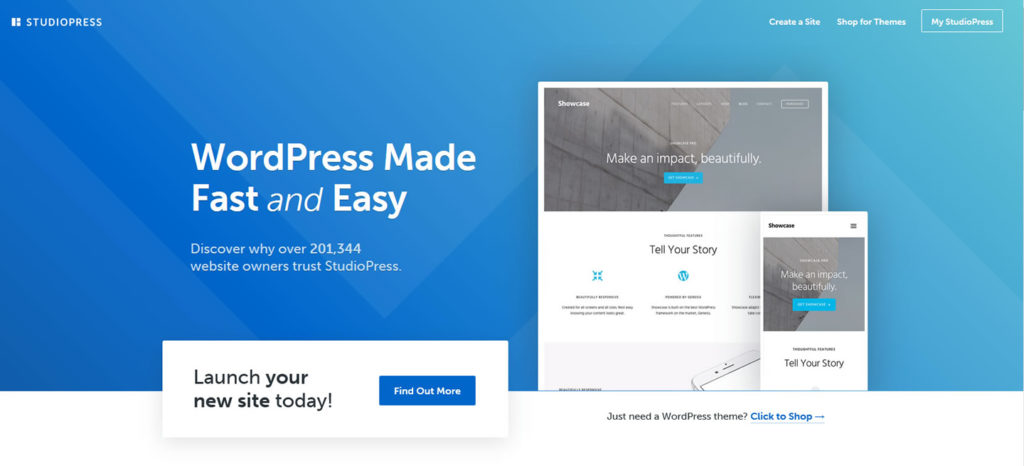
StudioPress Themes
StudioPress themes are owned by CopyBlogger Media, content marketing industry leaders. While most of their themes are aimed at blogging websites, they are all built on the Genesis framework, which is why you will often see them called Genesis Themes.
This framework is coded cleanly, is updated regularly and is one of the most secure ever built. There are loads of child themes to choose from and every theme has been fully optimized for SEO.
Most are light-weight and extremely fast, but the pricing is a little higher than others. However, there are several options to choose from, starting at just under $60 for the framework.
This is just the tip of the iceberg as far as speeding up your WordPress website, but it is an important place to start.